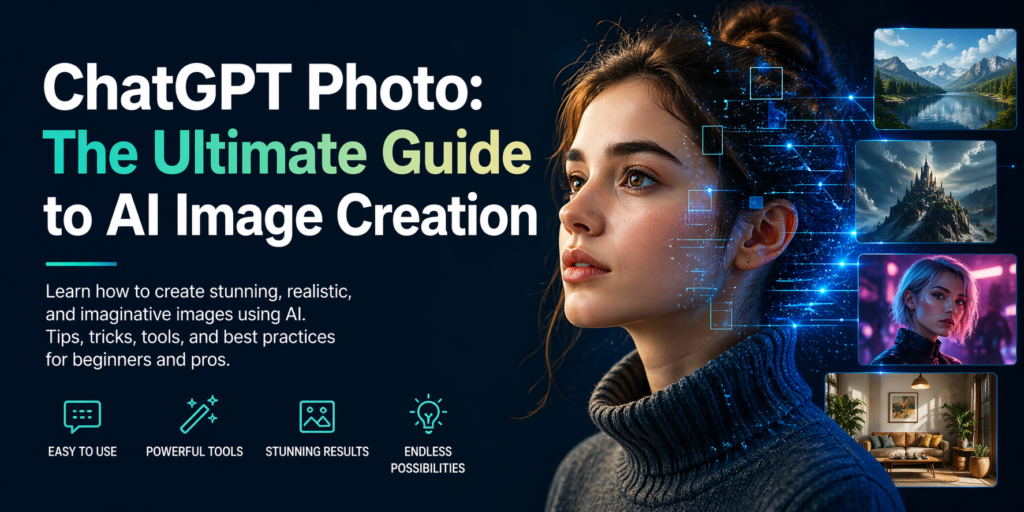
ChatGPT Photo: The Ultimate Guide to AI Image Creation
The rise of AI-powered tools has transformed digital creativity, and ChatGPT is now at the forefront of this evolution. With advanced capabilities, creating a ChatGPT photo is no longer limited to designers or photographers. Anyone can generate stunning, high-quality visuals using simple text prompts.
This guide explains how to create, optimize, and use AI-generated images effectively for personal and professional use.
What Is a ChatGPT Photo?
A ChatGPT photo refers to an AI-generated image created using text prompts within ChatGPT-powered systems or integrated tools. These images are produced using advanced machine learning models that understand descriptions and convert them into realistic or artistic visuals.
Key Features
- Text-to-image generation in seconds
- High-resolution output for digital use
- Custom styles including realistic, cinematic, and artistic
- Easy prompt-based control
How ChatGPT Photo Generation Works
AI image generation relies on deep learning models trained on massive datasets. When you input a prompt, the system analyzes keywords, context, and style preferences to create a relevant image.
Basic Workflow
- Enter a detailed text prompt
- Specify style, lighting, and composition
- Generate the image instantly
- Refine the prompt for better results
How to Create High-Quality ChatGPT Photos
Producing professional AI images depends on how well you structure your prompts.
Best Practices for Image Prompts
- Use clear and descriptive language
- Include style keywords like “realistic,” “cinematic,” or “minimalist”
- Specify lighting conditions such as “soft light” or “golden hour”
- Add resolution details like “high resolution” or “4K”
Example Prompt
“Portrait of a confident business professional, natural lighting, modern office background, ultra-realistic, 4K resolution”
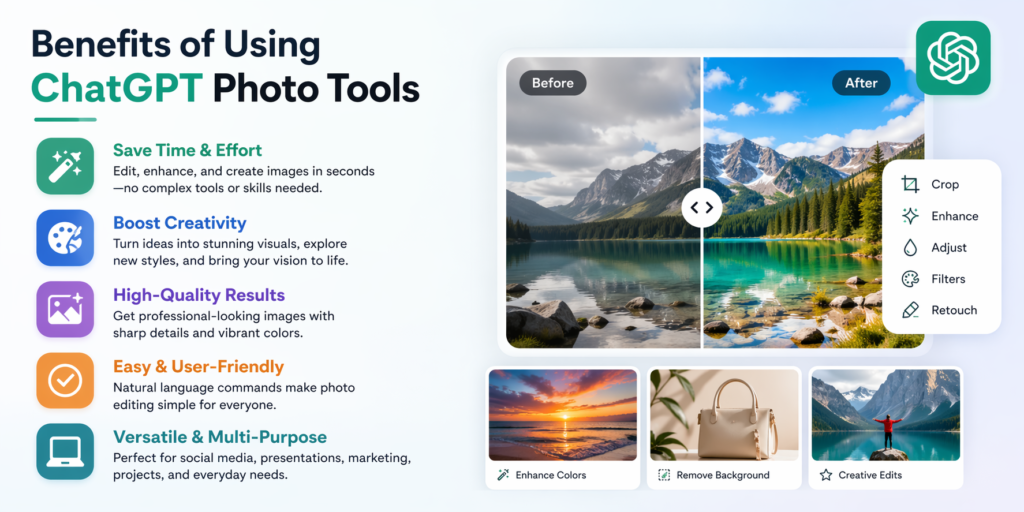
Benefits of Using ChatGPT Photo Tools
AI-generated images offer significant advantages over traditional methods.
Efficiency and Speed
- Create visuals instantly without design skills
- Save time compared to manual editing
Cost-Effective Solution
- No need for expensive photography equipment
- Reduce dependency on stock image platforms
Creative Flexibility
- Unlimited variations from a single idea
- Experiment with different artistic styles
Use Cases for ChatGPT Photos
AI images are widely used across industries for content creation and branding.
Digital Marketing
- Blog featured images
- Social media graphics
- Ad creatives
E-commerce
- Product mockups
- Promotional banners
Content Creation
- YouTube thumbnails
- Website visuals
- Infographics
Advanced Tips to Improve AI Image Quality
To outperform competitors, refine your approach with advanced techniques.
Add Context Layers
Include background, mood, and environment details for richer visuals.
Use Style References
Mention photography styles like “studio photography” or “cinematic lighting.”
Iterate and Optimize
Generate multiple versions and refine prompts gradually.
Common Mistakes to Avoid
Avoid these errors to ensure better results.
- Using vague or short prompts
- Ignoring lighting and composition
- Not specifying image quality
- Overloading prompts with conflicting details
SEO Benefits of ChatGPT Photos
Using AI-generated images can significantly improve SEO performance.
Why It Matters
- Unique visuals improve page engagement
- Optimized alt text boosts image SEO
- Faster content production enhances consistency
Image Optimization Tips
- Use descriptive file names
- Add keyword-rich alt text
- Compress images for faster loading
Frequently Asked Questions
What is a ChatGPT photo generator?
It is an AI-powered system that converts text descriptions into high-quality images using advanced machine learning models.
Can ChatGPT create realistic photos?
Yes, modern AI models can generate highly realistic images when provided with detailed prompts.
Is ChatGPT photo generation free?
Some features may be free, while advanced tools or higher-resolution outputs may require a subscription.
How do I write better prompts for AI images?
Focus on clarity, detail, style, and lighting. The more specific your prompt, the better the output.
Are ChatGPT photos copyright-free?
Usage rights depend on the platform and terms of service, so always review guidelines before commercial use.
Ready to Create Your First ChatGPT Photo?
Start experimenting with AI image generation today to unlock limitless creative possibilities. With the right prompts and optimization strategies, you can produce professional visuals that elevate your content, boost engagement, and strengthen your digital presence.